Git Management
Notebook provides a built-in Git panel that allows you to clone repositories, pull the latest changes, and push your work to a remote repository.
1. Opening the Git Panel
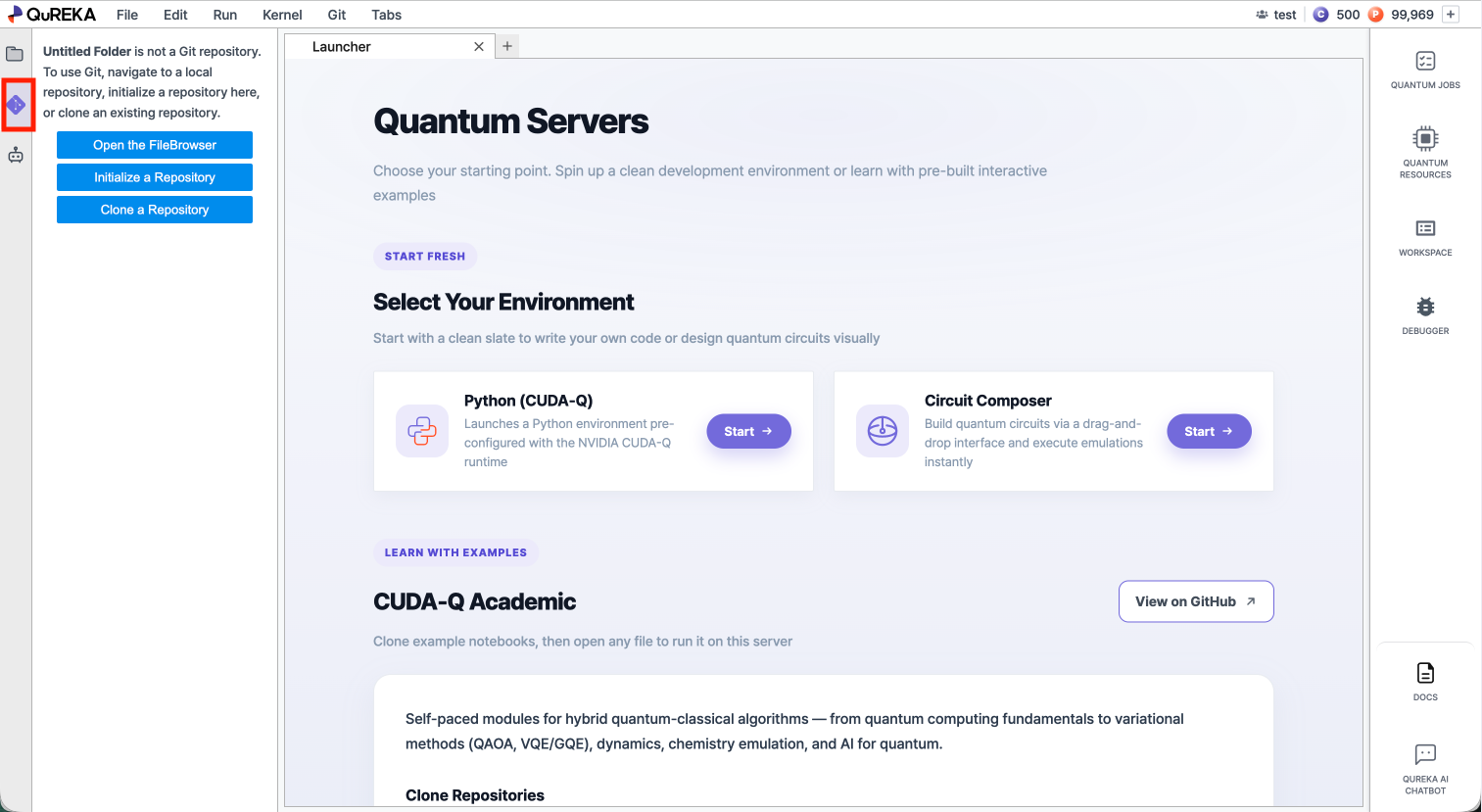
Click the Git icon in the left sidebar to open the Git panel. All Git operations described on this page are accessible from this panel or the Git menu in the top menu bar.
2. Cloning a Repository
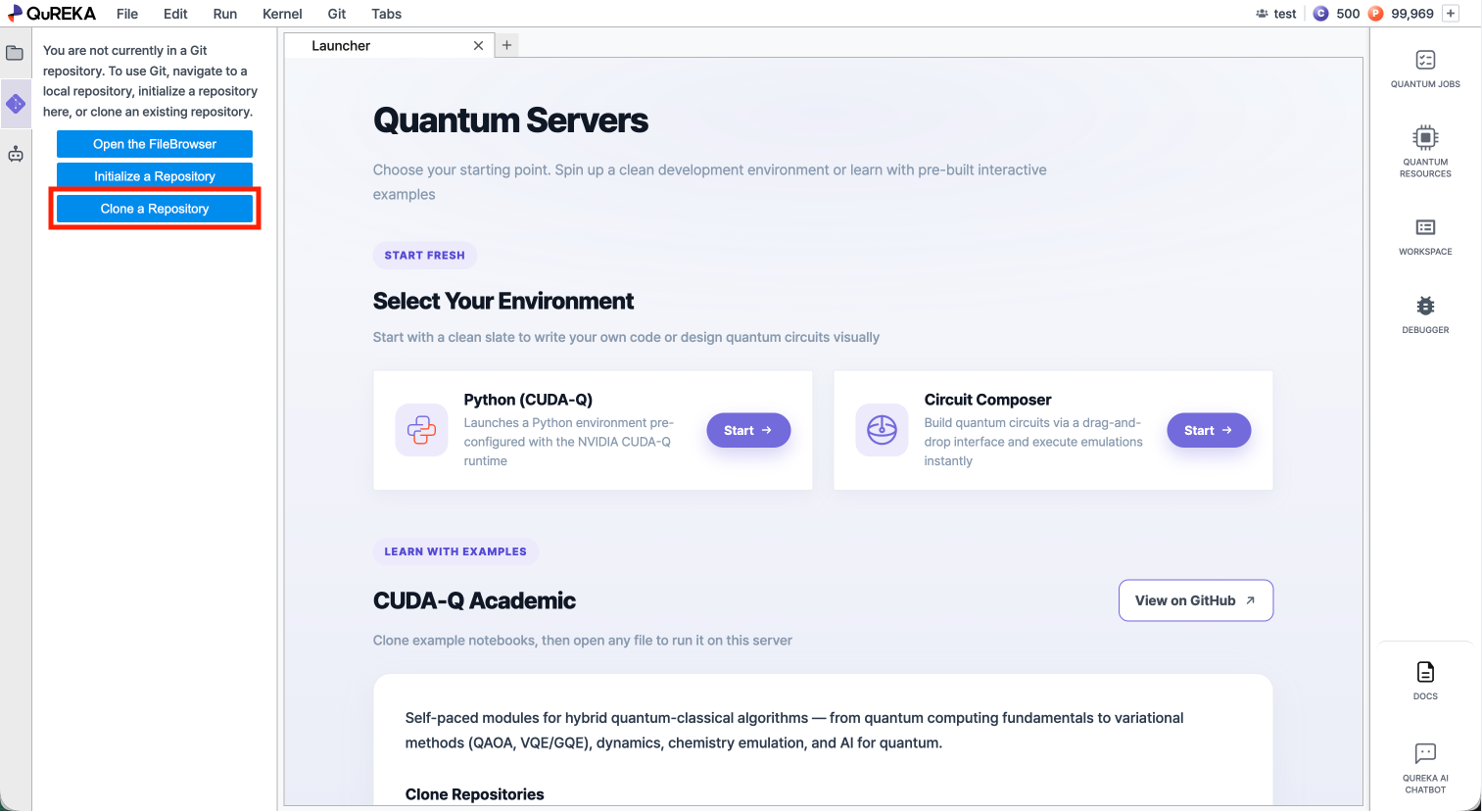
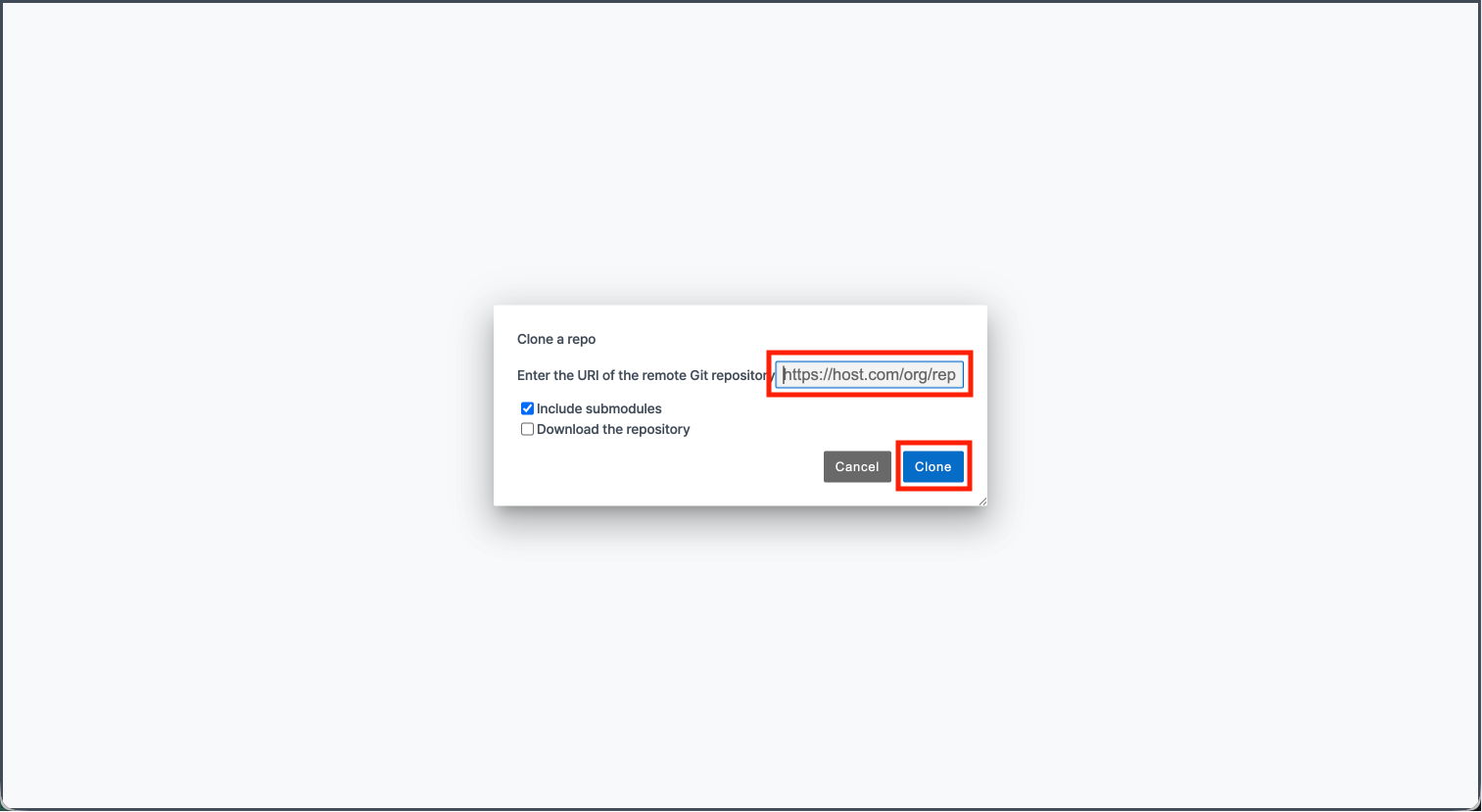
You can bring an existing remote repository into your workspace.
3. Pulling Changes
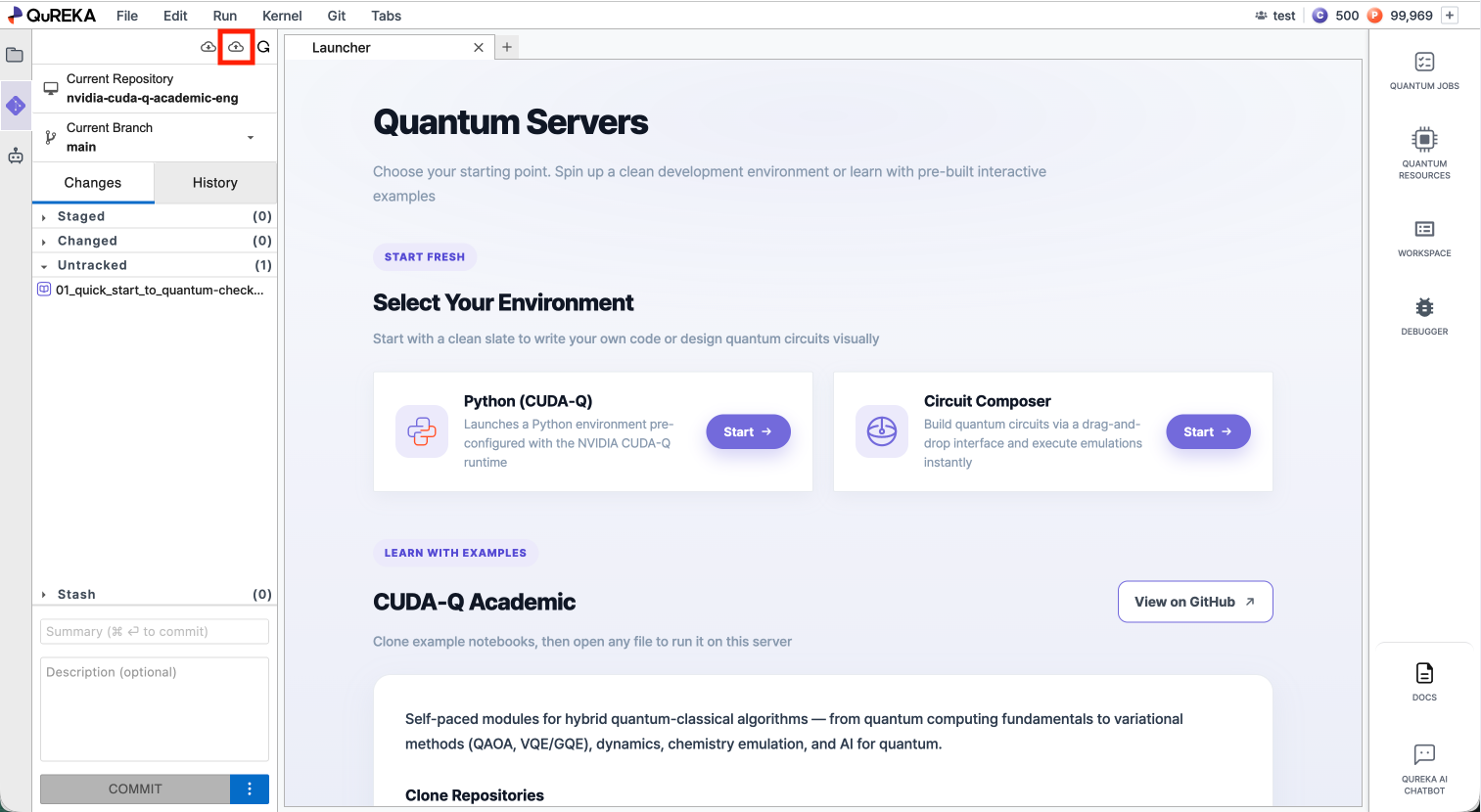
Pull downloads the latest changes from the remote repository and applies them to your local files.workspace.
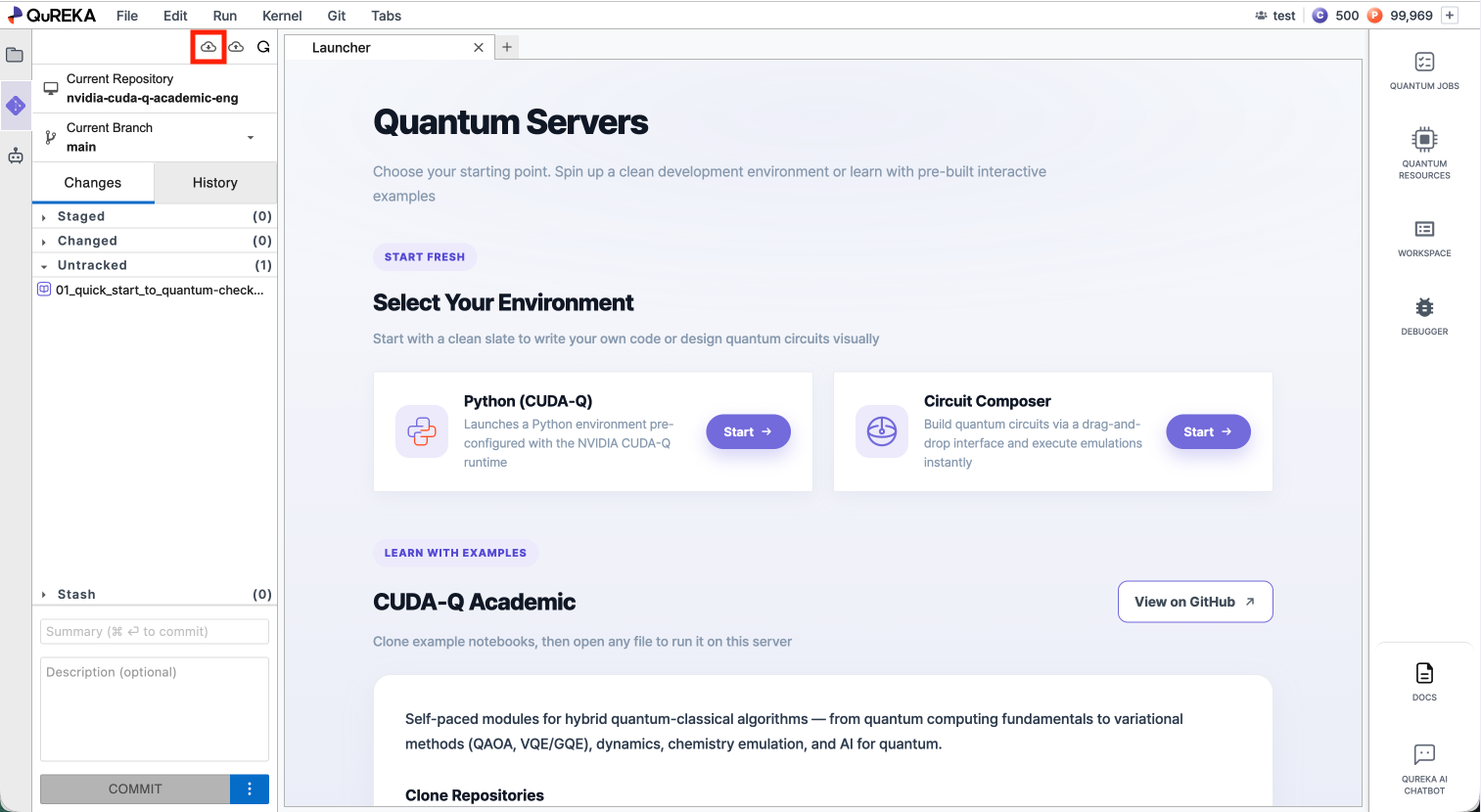
4. Pushing Changes
Push uploads your committed local changes to the remote repository.