Notebook
QuREKA Lab provides a powerful Python development environment based on JupyterLab, supporting an efficient workflow through dedicated extensions and AI-powered tools optimized for quantum algorithm development.
1. Jupyter Notebook Environment
-
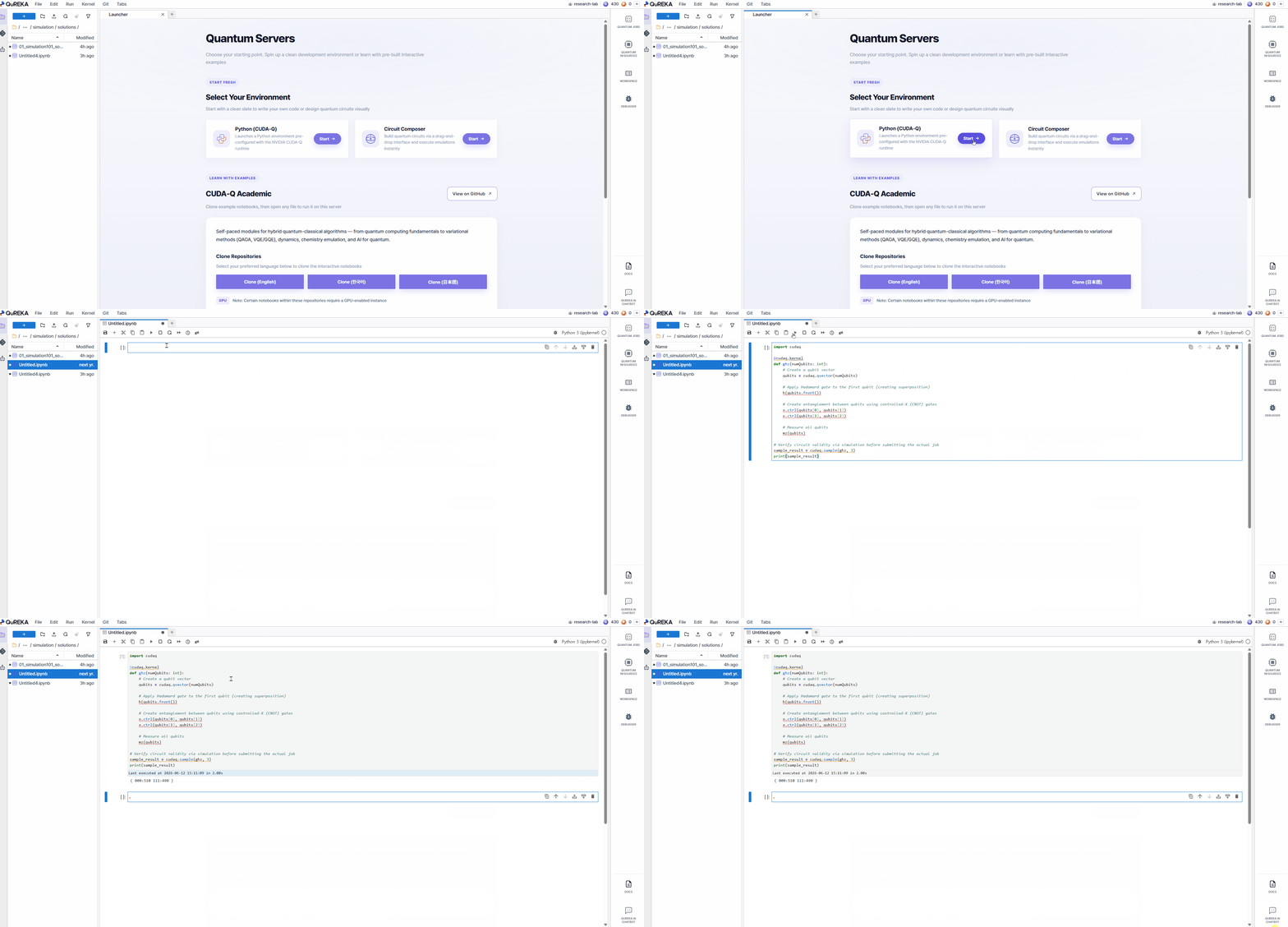
Python-Based Development: Utilize standard Python libraries and quantum computing frameworks within a JupyterLab-based environment.
-
Instant Start: Create new Jupyter Notebook files and begin development immediately.
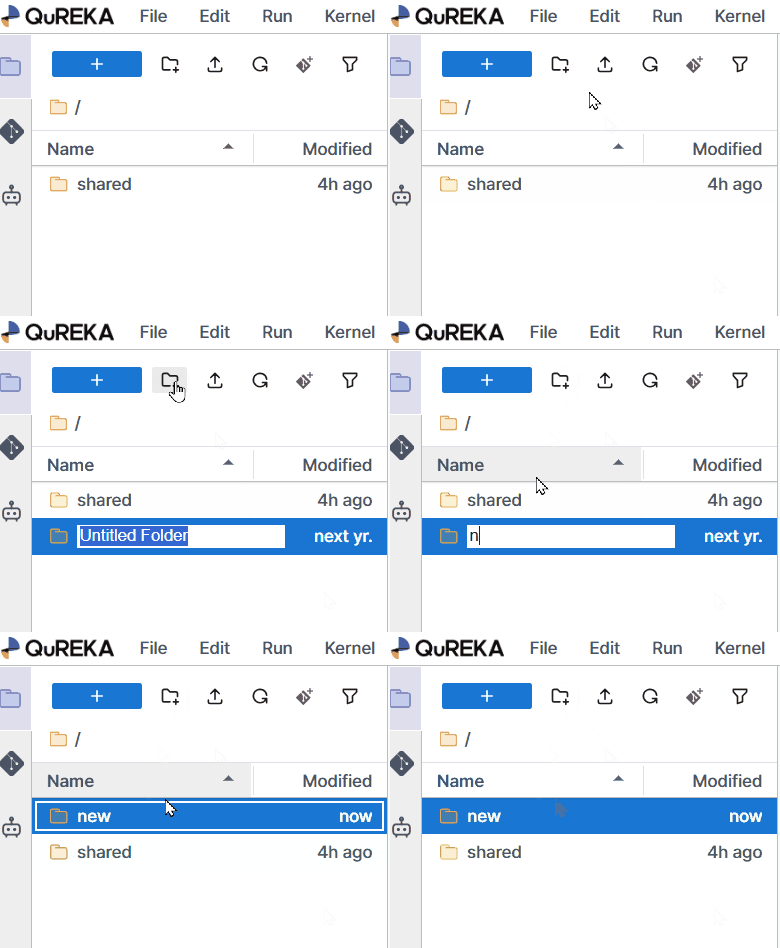
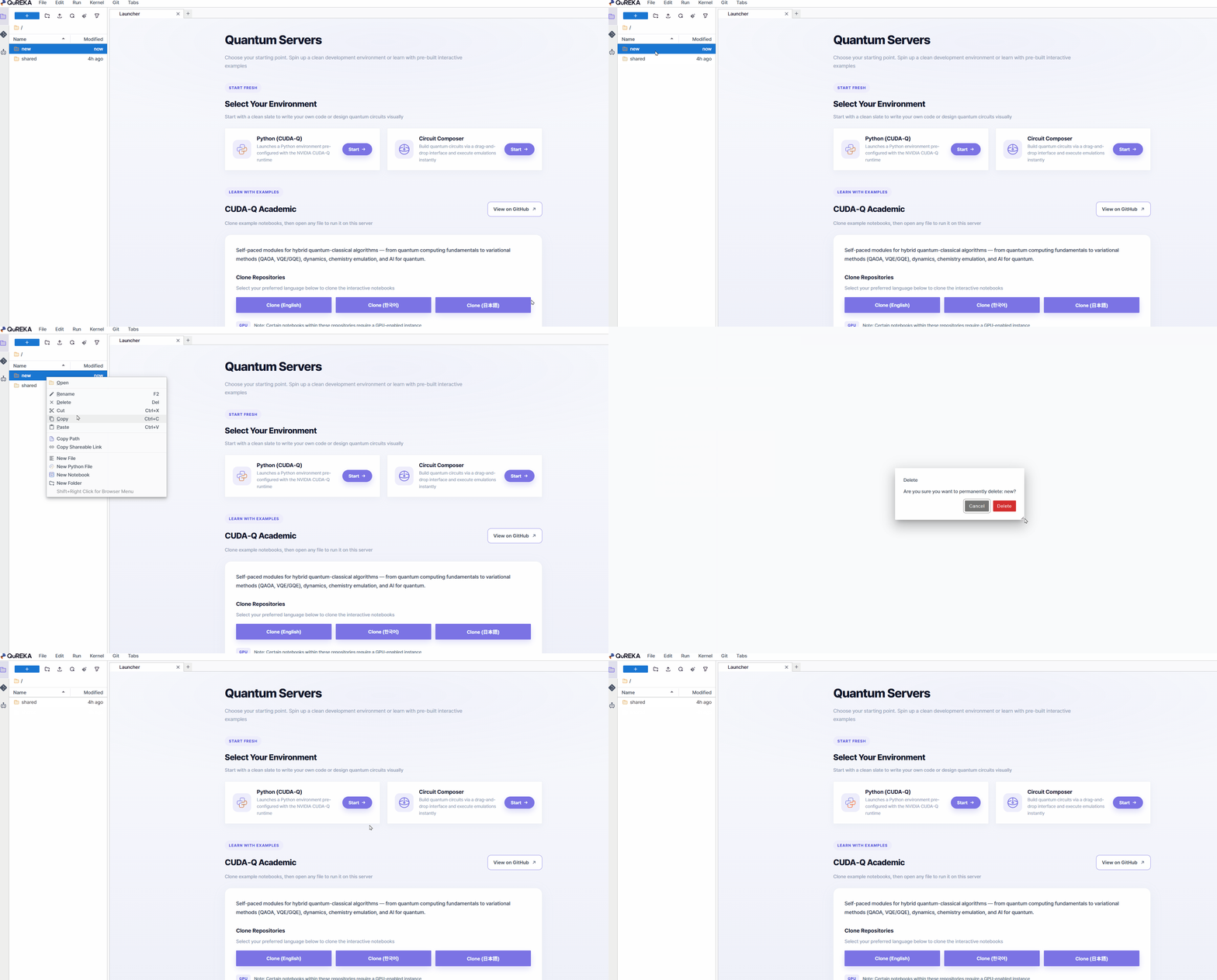
- Folder Management: Create new folders to organize your notebook files, and delete folders that are no longer needed.
-
Sample Files Provided: Sample Notebooks containing example code for major quantum algorithms are provided by default to assist with learning and practice.
2. Dedicated Extensions and Support Tools
QuREKA Lab places optimized tools in the left and right sidebars for development convenience.
-
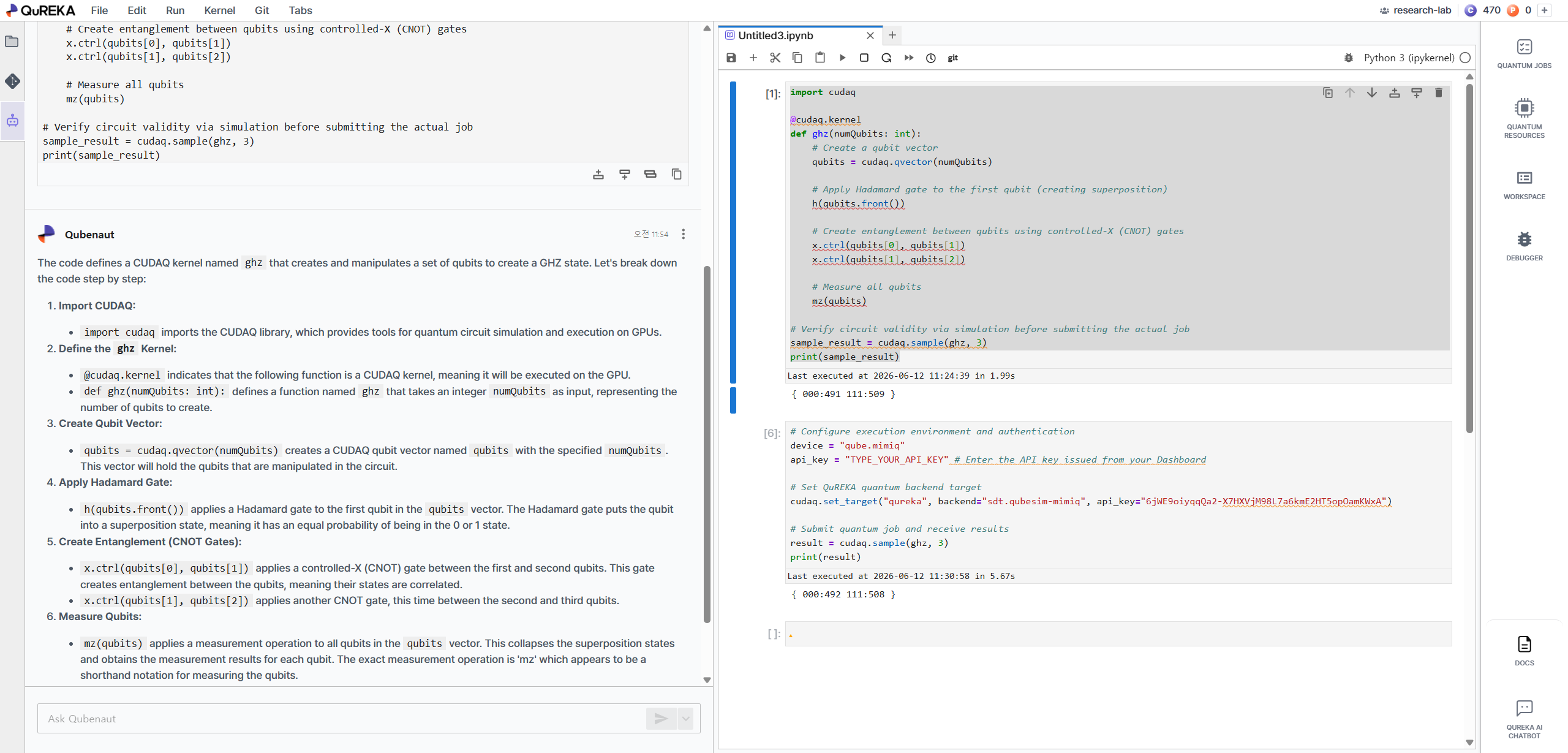
AI Assistant (Left Panel): Provides AI-powered assistance for quantum algorithm development and coding. You can easily access the conversational assistant from the left sidebar to receive support for complex implementation processes.
-
Right Panel Extensions:
-
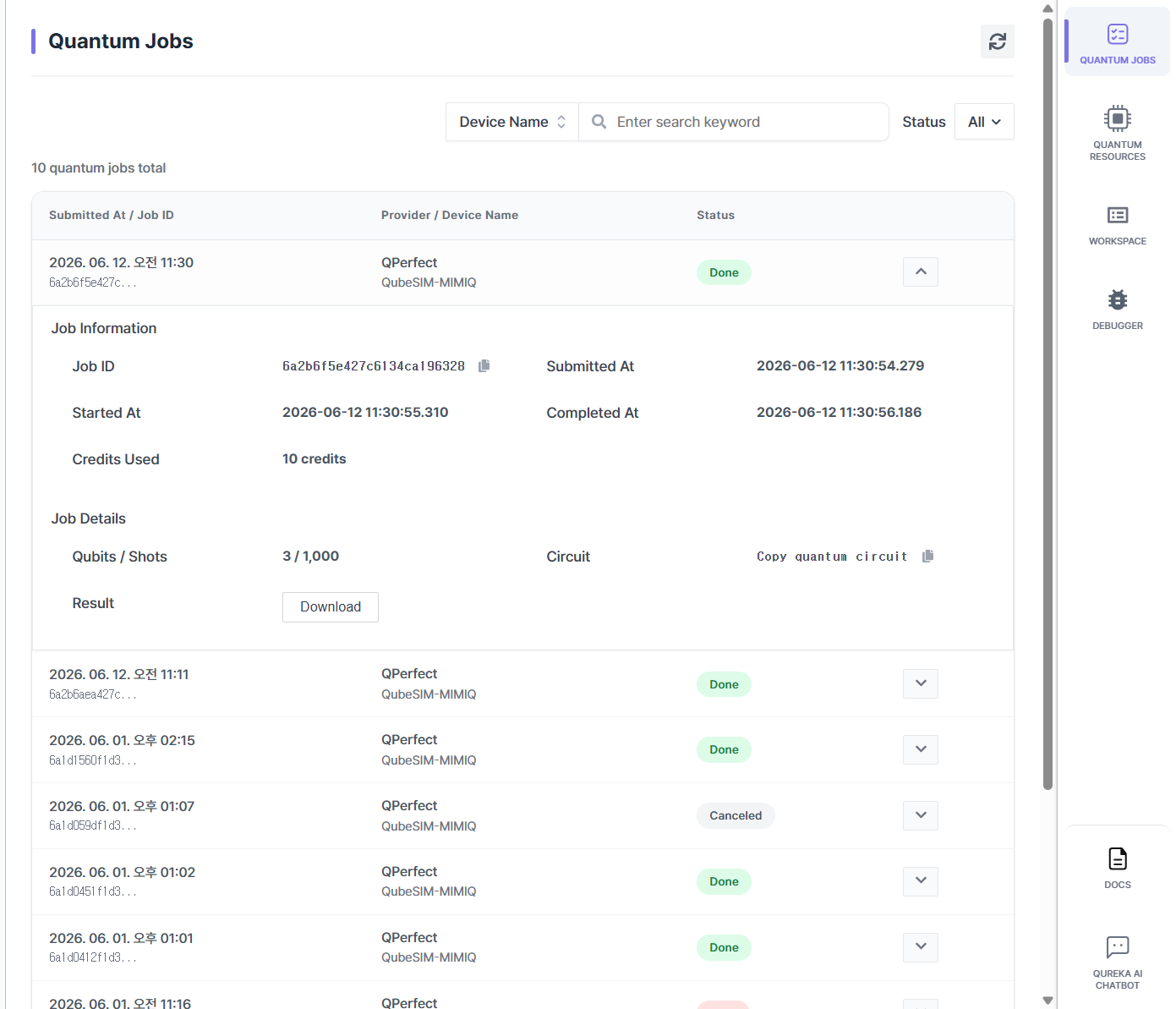
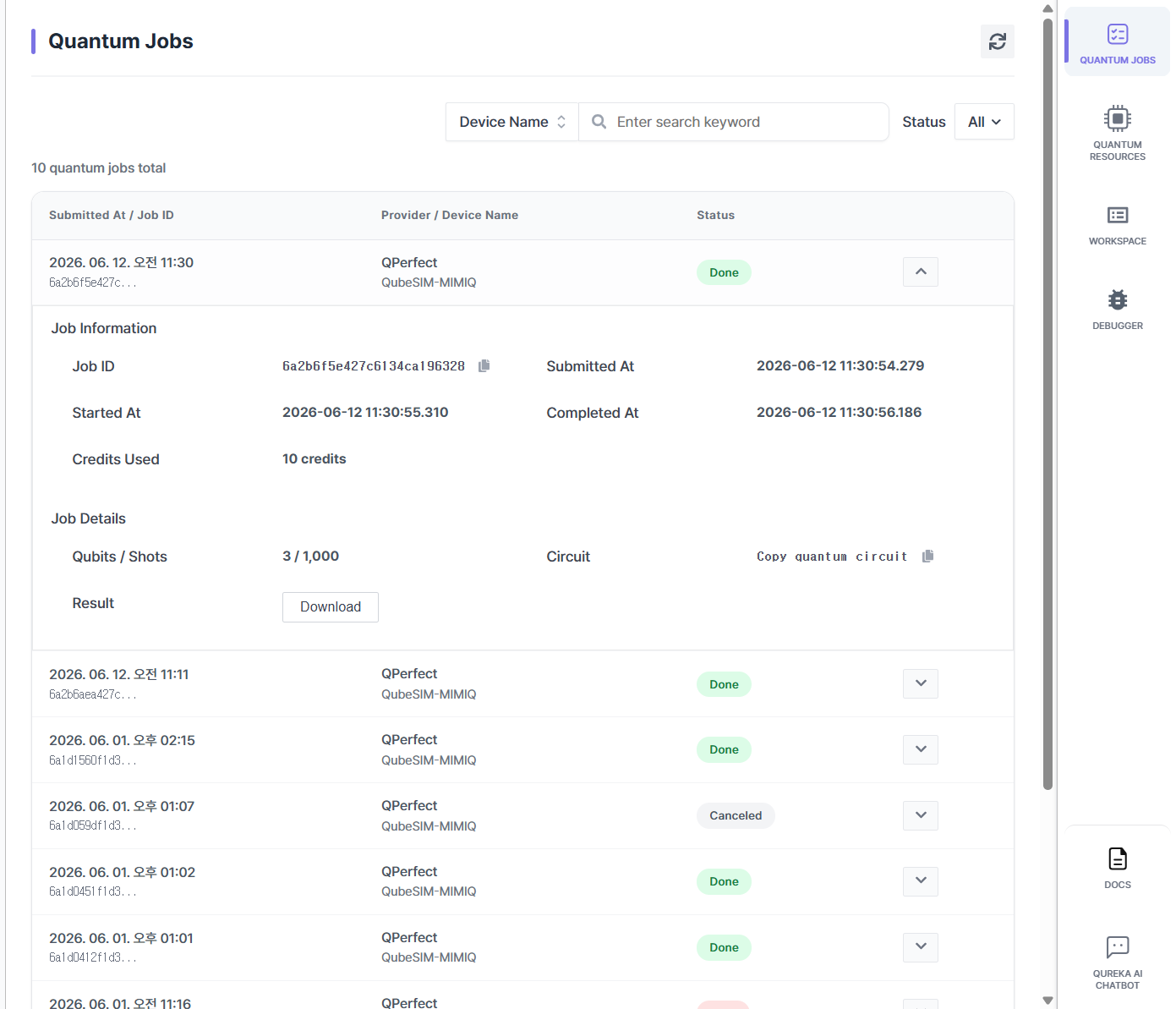
Task (Job Monitoring): Monitor the real-time status and success/failure of your submitted quantum jobs.
-
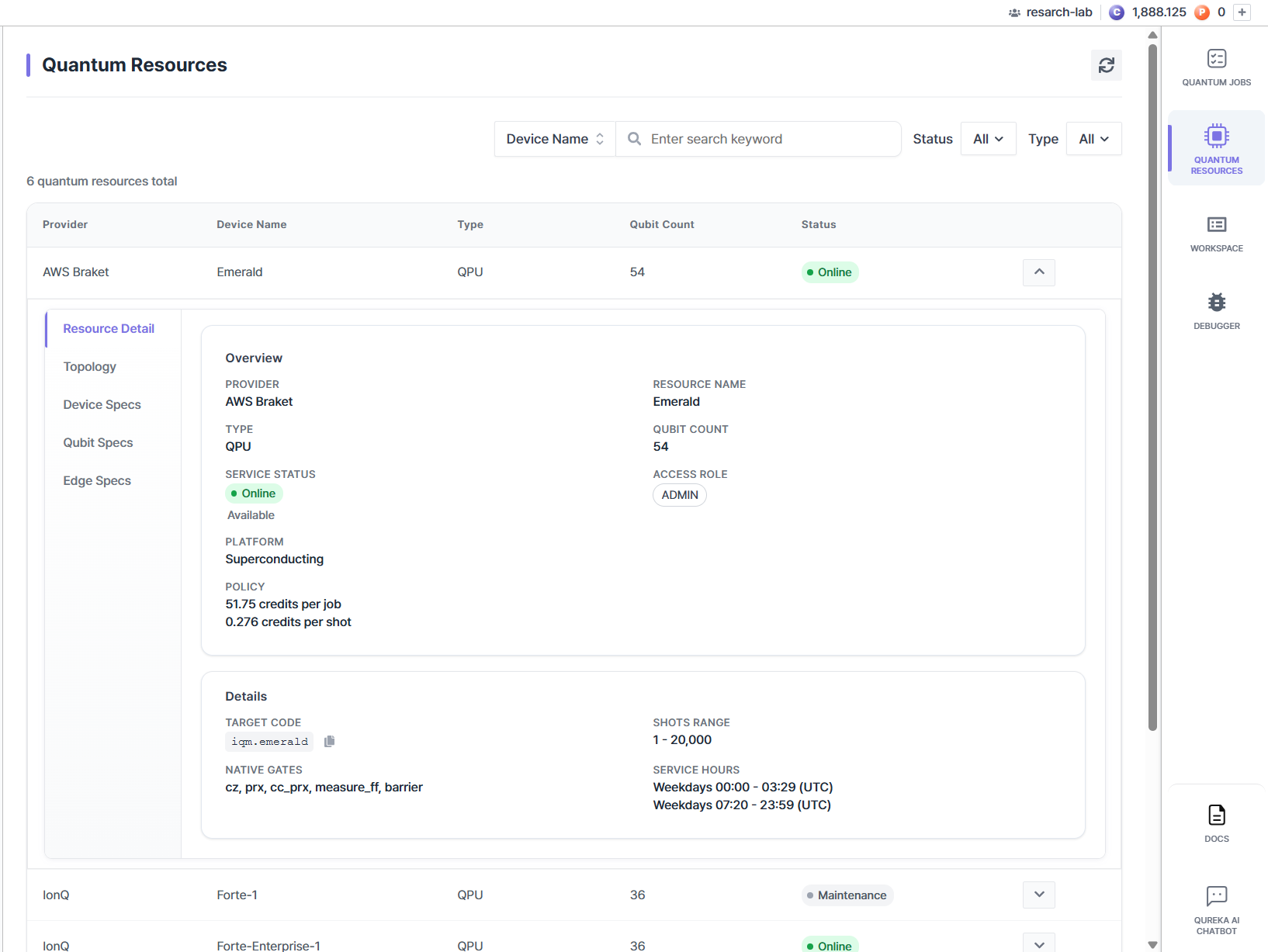
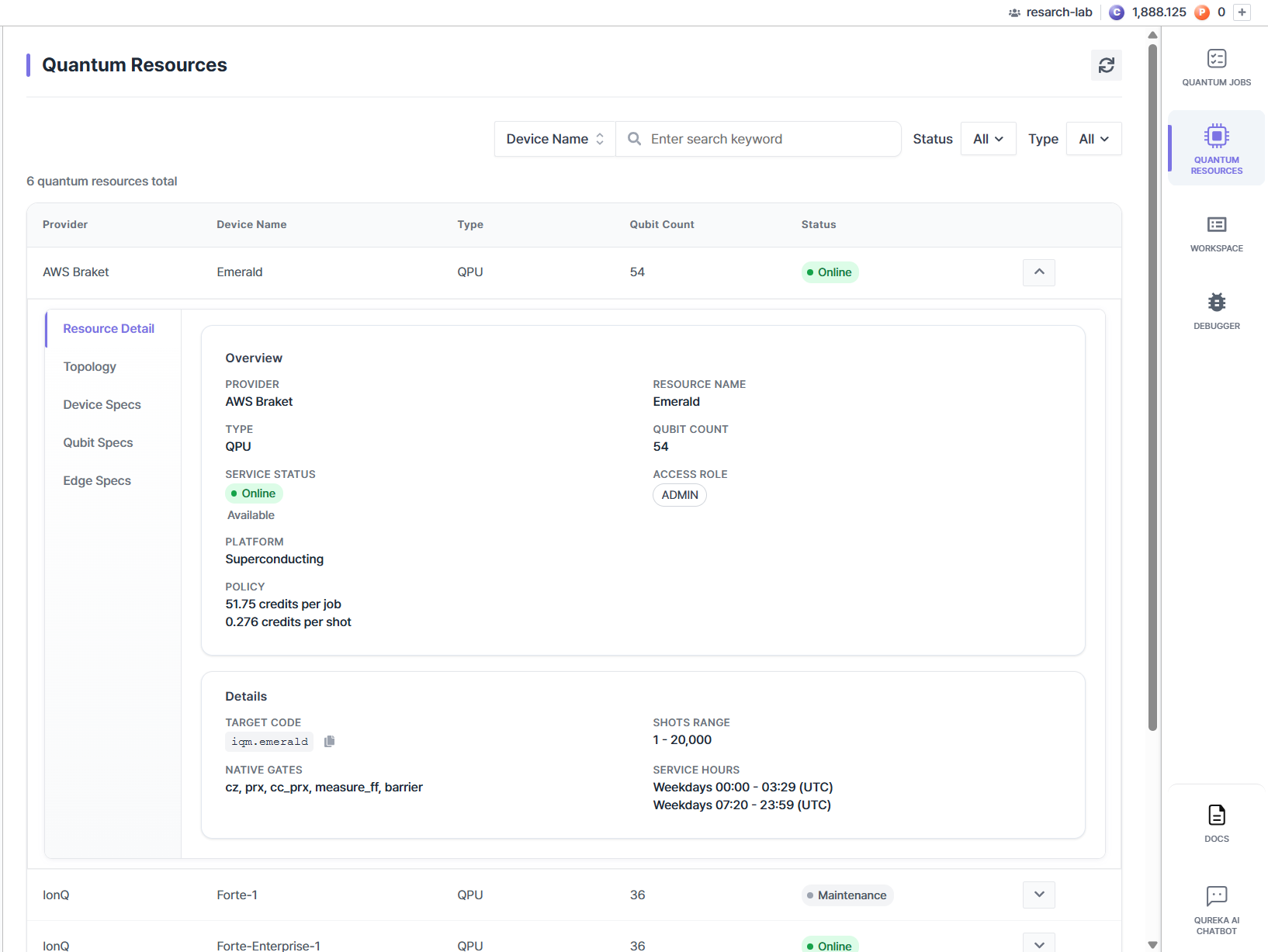
Resource (Resource Information): View a list of available QPUs and simulators along with their detailed specifications.
-
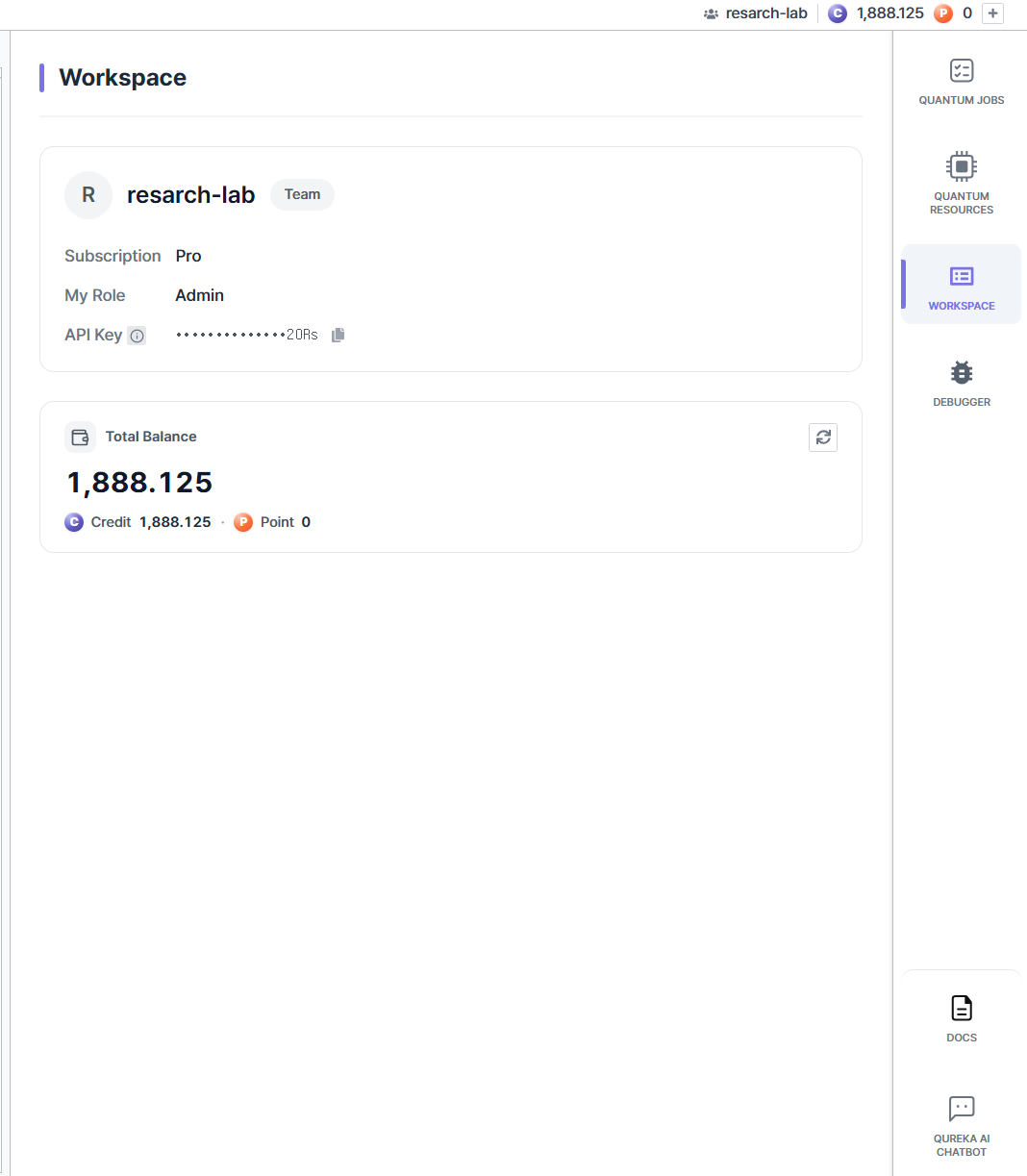
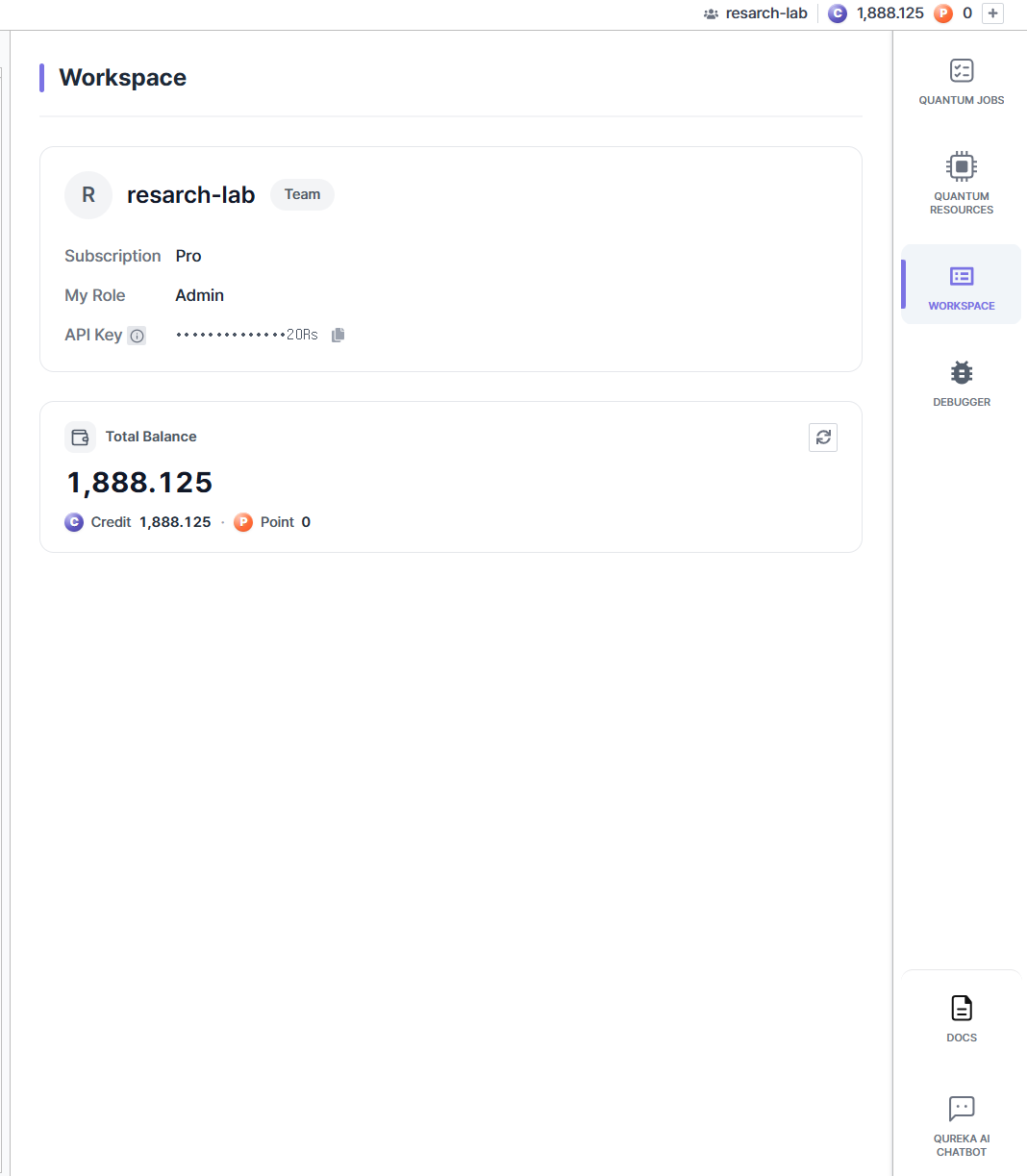
Workspace (Workspace Information): Check current workspace details and your real-time credit balance.
-
-